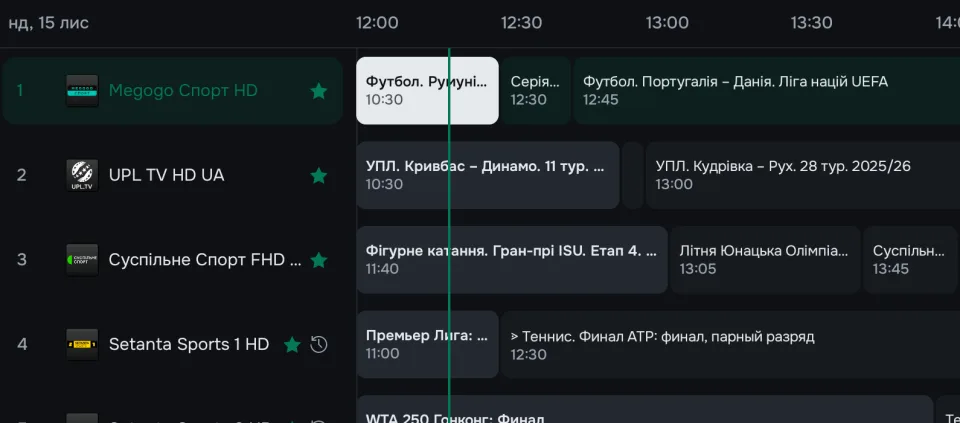
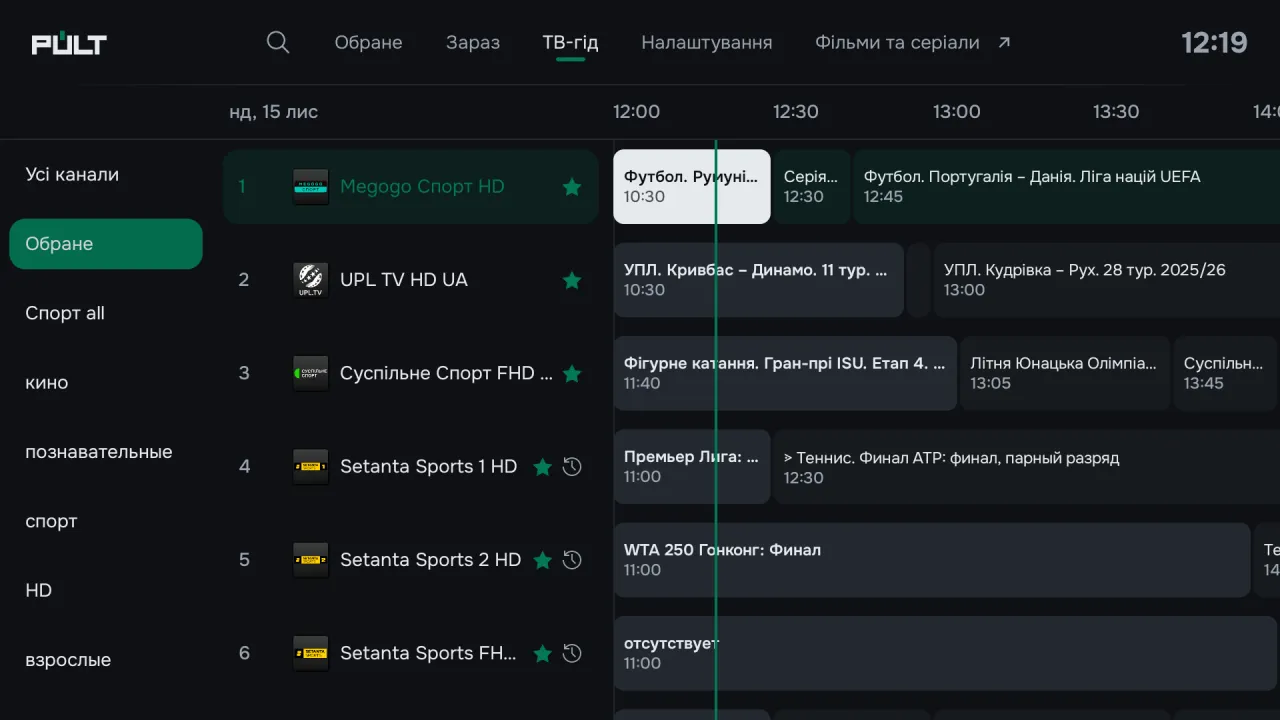
TV guide
Everything on air in one grid.
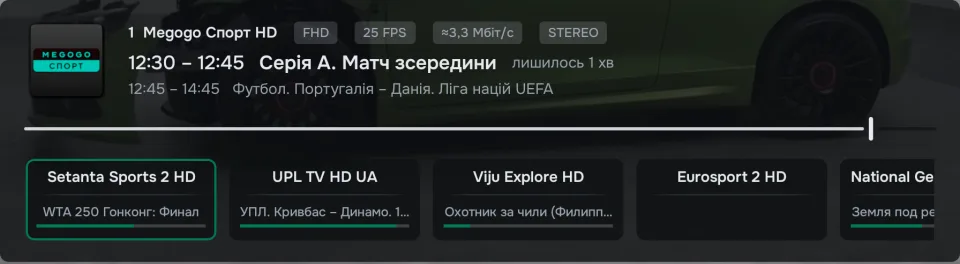
Listings for every channel: what’s on now, what’s next, and a description — right beside the grid. Automatic switch to the channel when a programme you picked starts.
Television as it was meant to be.
Your channels, a smart TV guide, a programme archive and multiview — on one remote, without the junk.
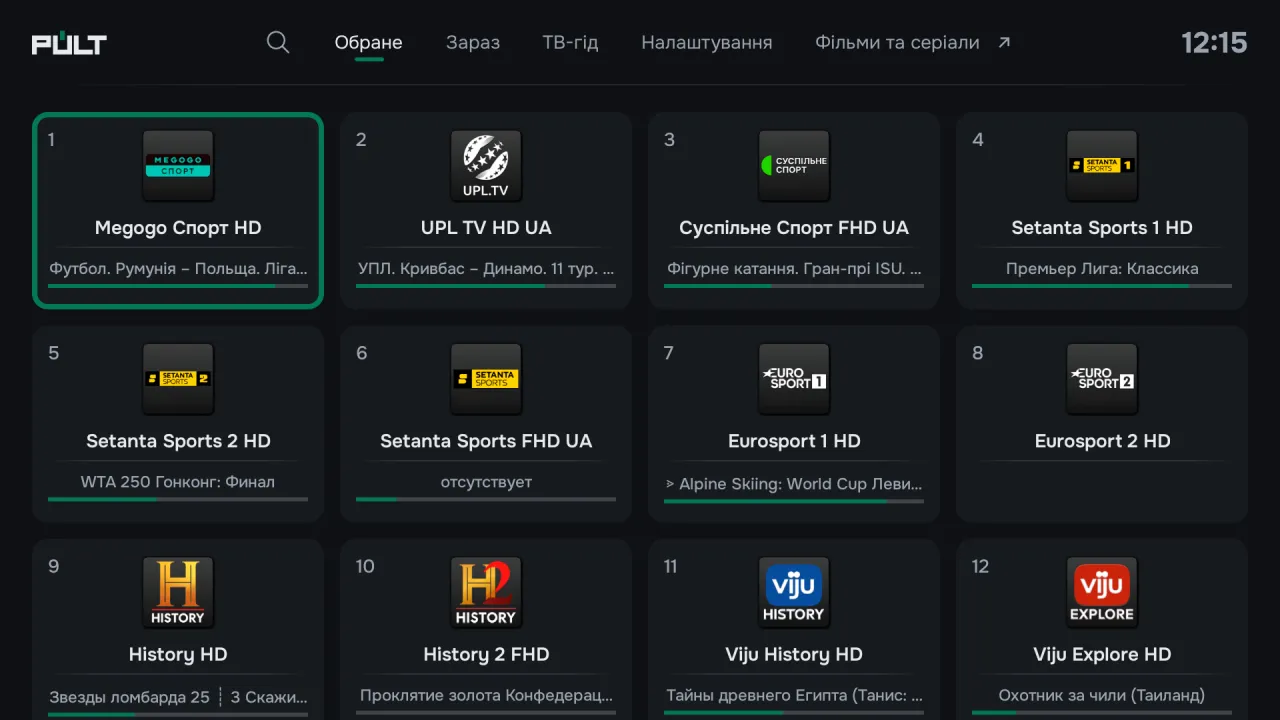

The TV you know — only easier, faster and without the clutter.
Listings for every channel: what’s on now, what’s next, and a description — right beside the grid. Automatic switch to the channel when a programme you picked starts.
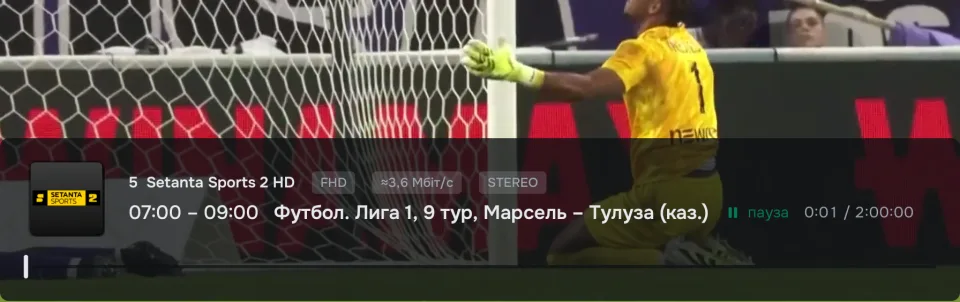
Rewind live TV, pause it or start a programme from the beginning — if your provider keeps an archive.
Turn on several playlists at once, build your own groups from different providers’ channels and hide what you don’t need in one go.
Favorites in your own order, and a row of your channels appears right on the Android TV home screen.
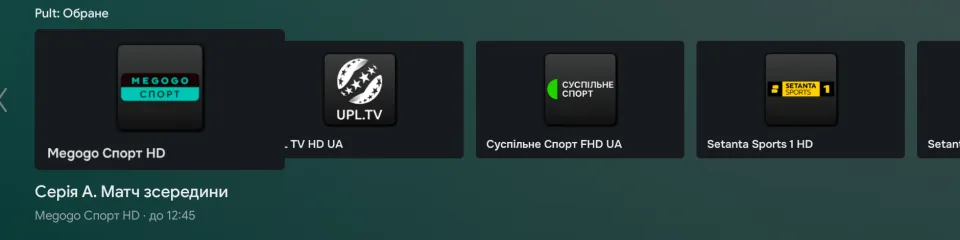
A second channel in the corner of the screen — follow the match without switching. And the HOME button can shrink live TV into a “picture-in-picture” window.

Dial channel numbers, go back to any of your last 10 channels and, if you like, keep a clock always on top of live TV.
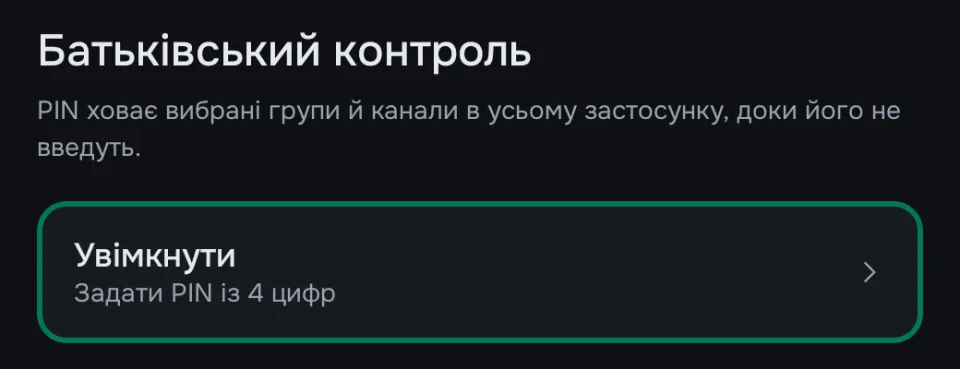
Lock channel groups with a 4‑digit PIN. Adult groups can be locked with a single switch.
Everything is done right on the TV with the remote. After that, Pult updates automatically.
Pult checks for updates at launch and offers to install the latest version.